Mevva Serif Font: A Web Designer’s Review
I was in the middle of refining a hero section for a boutique lifestyle brand when I realized the current headline font just wasn’t carrying the weight of the visual story. The layout was clean, the imagery was soft and airy, but the typography felt too rigid. I needed something that breathed elegance without sacrificing digital clarity. That is when I pulled Mevva into the project. As a web designer who constantly balances aesthetic appeal with user experience, I am always cautious about introducing new serif typefaces into responsive layouts. However, Mevva quickly proved itself to be more than just a pretty face; it is a functional, balanced tool for modern web design.
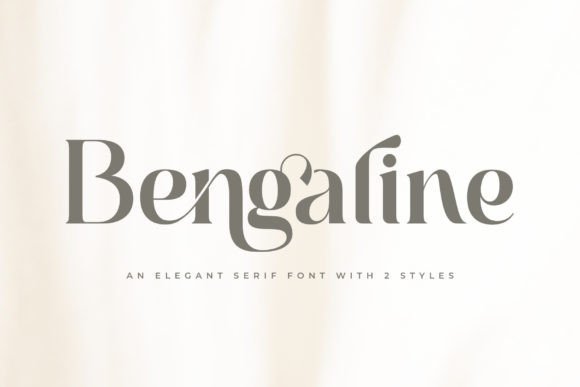
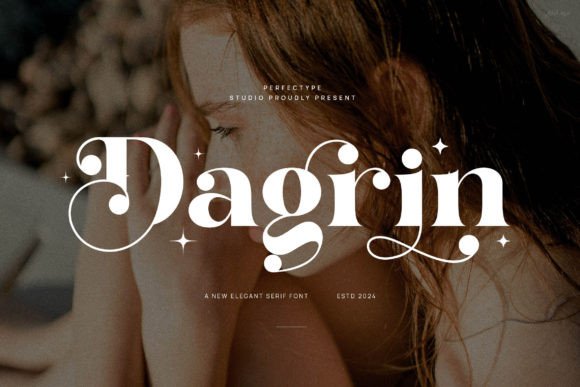
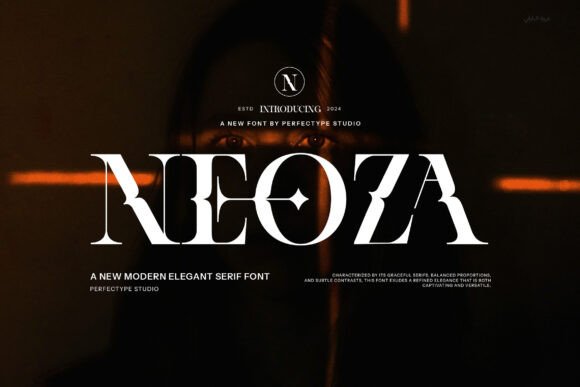
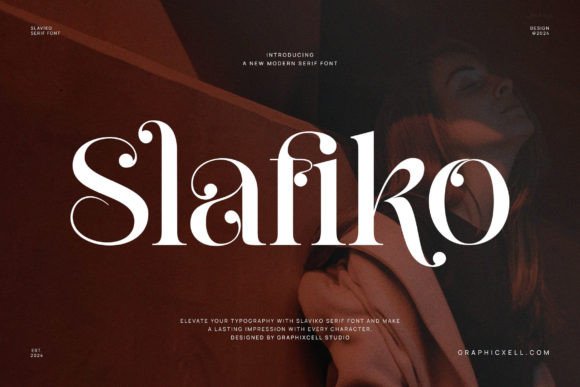
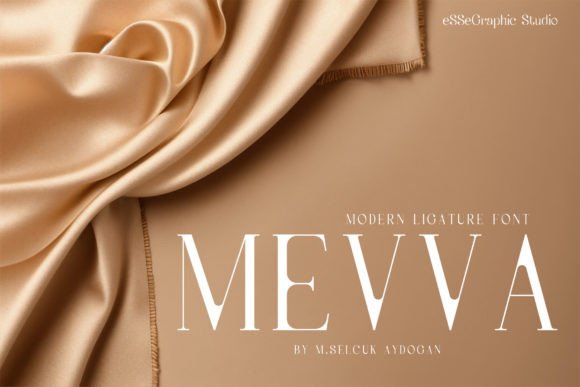
Mevva is an elegant serif font that features a very delicate and classy look. What struck me immediately during testing was its balance. It is not too thin, which often causes rendering issues on lower-resolution screens, and it is not too thick, which can feel heavy and outdated in minimalist interfaces. This varied yet harmonious stroke width makes it exceptionally versatile for digital environments. Whether you are building a high-converting landing page, a personal portfolio, or an online store, Mevva enhances the beauty of your projects by adding a layer of sophistication that feels both contemporary and timeless.
Elevating Digital First Impressions
In web design, you have mere seconds to establish trust and convey brand identity. The choice of a display font for your hero section is critical because it sets the emotional tone for the entire user journey. I tested Mevva on a coaching website homepage, placing it over a muted, high-quality photograph. The result was immediate elevation. The font’s delicate serifs interacted beautifully with the negative space, drawing the eye naturally to the value proposition without overwhelming the background image.
Unlike some decorative fonts that struggle to maintain legibility at larger sizes, Mevva holds its structure remarkably well. The curves are smooth, and the contrast between thick and thin strokes is optimized for screen viewing. This makes it an excellent choice for headlines, section titles, and short introductory phrases. When used for a brand’s main logo or navigation header, it communicates professionalism and attention to detail. For creative business owners and UI designers, this means you can achieve a premium, editorial look without needing complex custom graphics. The font does the heavy lifting for your brand identity.
Readability and Responsive Performance
One of the biggest challenges with serif fonts in web design is ensuring they remain readable across all devices. We no longer design just for desktops; we design for tablets, smartphones, and various screen densities. I rigorously tested Mevva on mobile viewports to see how the delicate details held up. I was pleased to find that the font retains its character even when scaled down for smaller headings. It does not become illegible or blurry, which is a common pitfall for thinner serif typefaces.
However, as with any display-oriented serif, context is key. Mevva shines brightest when used for short phrases, names, titles, and decorative wording. It is ideal for H1 and H2 tags, pull quotes, and call-to-action buttons where you want to add a touch of class. I would advise against using it for long paragraphs of body copy or dense informational text. For those elements, pairing Mevva with a clean sans serif font is the best approach. The simplicity of a geometric or humanist sans serif provides a neutral foundation that allows Mevva to stand out as the star of the show. This combination creates a clear visual hierarchy, guiding the user’s eye through the content effortlessly.
Best Practices for Digital Implementation
- Hero Sections: Use Mevva for large, impactful headlines that define the page’s purpose. Its elegance captures attention and encourages scrolling.
- Product Landing Pages: Ideal for highlighting key benefits or feature titles. The classy look adds perceived value to digital products and services.
- Social Media Graphics: Excellent for creating cohesive branded assets for Instagram or Pinterest. The font translates well into square and vertical formats.
- Email Headers: Works beautifully in HTML email templates for welcome messages or promotional announcements, provided the file format is supported.
When implementing Mevva in your web design workflow, consider the background contrast. Because of its delicate nature, it performs best on light or neutral backgrounds. If you must use it on a dark background, ensure you increase the font weight or size slightly to maintain visibility. Avoid placing it over busy, high-contrast images unless you use a solid overlay or drop shadow to separate the text from the background. These small UX adjustments ensure that the aesthetic appeal does not come at the cost of accessibility.
Strategic Font Pairing for Brand Consistency
A single font rarely builds a complete brand identity. The magic happens in the pairing. Throughout my testing, I explored several combinations to see what worked best for different industry niches. For a modern, minimalist online store, I paired Mevva with a lightweight sans serif. This created a airy, open feel that suited fashion and home decor brands. For a more traditional, authoritative look, such as a legal consultancy or financial advisor site, I paired it with a sturdy, classic serif for body text. This reinforced a sense of stability and trust.
The versatility of Mevva allows it to bridge the gap between formal and friendly. It is not so stiff that it feels corporate, nor so whimsical that it lacks professionalism. This makes it a safe yet stylish choice for a wide range of digital products. Whether you are designing a course sales page, a blog redesign, or a portfolio homepage, Mevva adapts to the surrounding design elements. It complements script fonts for accents and handwritten fonts for signatures, providing a stable anchor in mixed-typography layouts.
Licensing and Technical Considerations
Before integrating any new typeface into a client project or personal brand, it is essential to review the technical specifications and licensing terms. Mevva comes in standard font formats that are compatible with most web design tools and platforms. However, always check if the license includes webfont usage rights if you plan to host the font files directly on your server. For those using page builders or third-party platforms, ensure the font can be uploaded or accessed via the required method.
Additionally, explore the included styles and alternates. Many premium fonts offer ligatures or stylistic sets that can add unique flair to logo design or special headers. Taking the time to customize these details can significantly enhance the uniqueness of your digital brand identity. Remember that while Mevva is designed to enhance beauty, its primary role in web design is communication. Use it where it adds value to the user experience, and rely on simpler fonts for functional navigation and data-heavy sections.
In conclusion, Mevva is a standout addition to any web designer’s toolkit. It offers the perfect blend of elegance and usability, making it suitable for a variety of digital applications. From landing pages to social media graphics, it brings a refined touch that elevates the overall quality of the design. By understanding its strengths and limitations, you can leverage this serif font to create engaging, professional, and visually stunning web experiences that resonate with your audience.